
Early access · Release date: March 24, 2025
UpdatedSchedule I Dealers: Best Customer Assignments & Tips
Set up Schedule I dealers with smart customer assignments, learn all six locations, and use the 10-customer limit to spend less time running across town.
Jump to

How Dealers Work in Schedule I
Schedule I dealers sell your stock to assigned customers, freeing you to manage production and expansion. The six recruits are Benji Coleman, Molly Presley, Brad, Jane Lucero, Wei Long, and Leo Rivers. Each can handle 10 customers following v0.4.3, so build assignments around location, spending, and your own sales route.
Recruiting someone is only part of the setup. You also need to supply packaged product and assign unlocked customers through your phone. Keep those jobs connected: expanding a dealer’s customer list creates little value if your production line cannot keep them stocked.
Dealer Locations and Capacity in v0.4.3 and Later
| Dealer | Region | Where to find them | Customer limit |
|---|---|---|---|
| Benji Coleman | Northtown | Northtown | 10 |
| Molly Presley | Westville | Westville | 10 |
| Brad | Downtown | Downtown | 10 |
| Jane Lucero | The Docks | Trailer beneath the southern end of the overpass, near the Warehouse | 10 |
| Wei Long | Suburbia | Small cabin with a green door, northeast of your burned-out trailer | 10 |
| Leo Rivers | Uptown | Green shipping container northeast of the Church | 10 |
The eight-customer limit belongs to older builds. Version 0.4.3 expanded each dealer’s capacity and changed several parts of distribution:
- Each dealer can take 10 customers, up from eight.
- Dealers reserve products needed for accepted deals.
- Dealers book two deals per deal window, down from three.
- Dealers walk faster and sprint when running late.
That scheduling limit matters when organizing customers. Ten available slots give you more coverage, but short routes and suitable stock still deserve attention.
Official page: Schedule I (scheduleonegame.com)
How to Recruit and Assign Your First Dealer
Benji is your introduction to hiring distributors. Progress through Uncle Nelson’s early tasks until recruiting a dealer becomes your objective, then build a relationship with one of Benji’s connections.
 Image: Steam / TVGS
Beth Penn, Ludwig Meyer, and Peggy Myers are connections named during the recruitment tutorial. Focus on completing their sales until you receive a recommendation.
Once Benji is available:
- Speak to him.
- Pay his $500 signing fee.
- Trade with him and transfer packaged product.
- Open the dealer management app on your phone.
- Select Benji and assign unlocked customers to him.
Benji takes a 20% cut of each sale. Keep that difference in mind when deciding which orders to handle personally.
Use the dealer dropdown to switch between recruits. Review existing assignments before adding a replacement. Customer regions and standards appear in dealer management, while the Contacts app includes weekly spending and frequently ordered products.
Customer Assignments for All Six Dealers
Start with regional groups, then decide how much selling you want to keep for yourself. The arrangement below delegates most regular orders while leaving a focused Uptown customer list for personal sales.
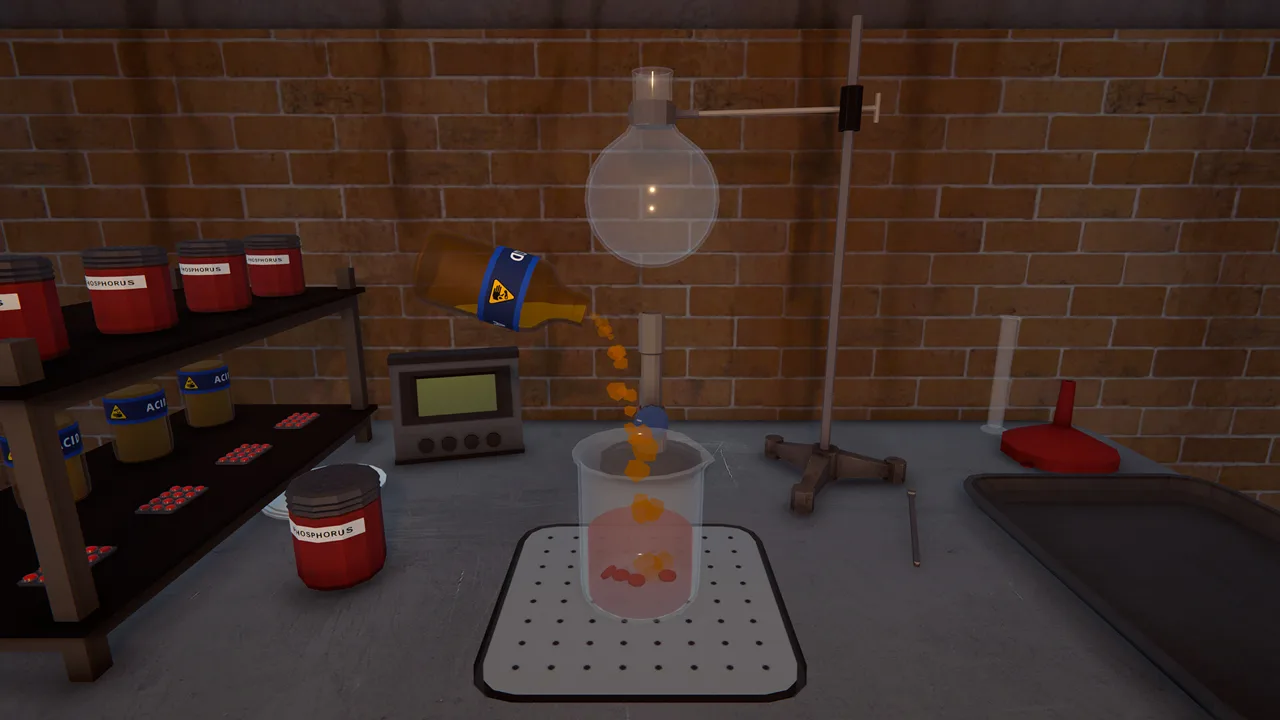 Image: Steam / TVGS
Use the ten-slot capacity introduced in v0.4.3 for these assignments. Bruce Norton, Kelly Reynolds, Sherman Giles, and Irene Meadows joined the customer roster in v0.4.2.
Benji Coleman: Northtown
Assign these ten customers:
- Beth Penn
- Donna Martin
- Mrs. Ming
- Chloe Bowers
- Ludwig Meyer
- Sam Thompson
- Austin Steiner
- Peggy Myers
- Kathy Henderson
- Mick Lubbin
Let Benji cover these Northtown orders while you expand. Early in your save, assign the customers you have already unlocked rather than waiting to complete the entire group.
Keep Geraldine Poon and Jessi Waters on your personal route while Northtown remains your main market. Reassign them later when richer customers compete for your time.
Molly Presley: Westville
Assign Molly the following:
- Dean Webster
- Doris Lubbin
- George Greene
- Joyce Ball
- Keith Wagner
- Trent Sherman
- Meg Cooley
- Kim Delaney
- Charles Rowland
- Jerry Montero
This group lets Molly cover Westville without mixing in distant Uptown customers.
Keep George Greene for yourself before unlocking Uptown if personal sales remain an important part of your income. He is a strong spender in Westville. Transfer him to Molly when your own route shifts toward richer neighborhoods.
Brad: Downtown
Give Brad these ten customers:
- Elizabeth Homley
- Eugene Buckley
- Greg Figgle
- Jennifer Rivera
- Louis Fourier
- Lucy Pennington
- Philip Wentworth
- Kevin Oakley
- Bruce Norton
- Randy Caulfield
Use the Downtown group above when delegating that region, and leave Jeff Gilmore for the overflow arrangement described below.
Jane Lucero: The Docks
Assign Jane these customers:
- Billy Kramer
- Genghis Barn
- Javier Perez
- Kelly Reynolds
- Lisa Gardener
- Mac Cooper
- Marco Barone
- Sherman Giles
- Melissa Wood
- Cranky Frank
Jane’s location near the Warehouse fits naturally into a restocking route when you produce there. Combine stock deliveries and cash collection with your regular property visits.
Kelly Reynolds and Sherman Giles belong in this expanded Docks group. Older customer lists written before the Shrooms update leave them out.
Wei Long: Suburbia
Give Wei these ten customers:
- Alison Knight
- Carl Bundy
- Chris Sullivan
- Dennis Kennedy
- Hank Stevenson
- Harold Colt
- Jack Knight
- Jackie Stevenson
- Jeremy Wilkinson
- Karen Kennedy
Check customer standards before stocking Wei. Suburbia introduces more demanding buyers, so inventory that serves your early Northtown business should not automatically become your suburban supply.
Read the current Contacts entries for effects and product preferences.
Leo Rivers: Overflow, Then Uptown
Use Leo for these six remaining customers if you want to reserve Uptown sales for yourself:
- Geraldine Poon
- Kyle Cooley
- Peter File
- Jessi Waters
- Jeff Gilmore
- Anna Chesterfield
This arrangement prioritizes reducing your personal errands. It sends Leo across multiple regions, so choose it when avoiding those orders yourself matters more than keeping his assignments tightly grouped.
After bringing the local cartel threat under control, fill his four remaining slots with:
- Fiona Hancock
- Herbert Bleuball
- Michael Boog
- Pearl Moore
Keep the remaining Uptown customers on your own list. If you want dealers to handle more of your business, transfer additional personal customers and replace lower-value assignments.
Which Customers Should You Keep for Yourself?
For a personal route centered on Uptown, keep:
 Image: Steam / TVGS
- Tobias Wentworth
- Walter Cussler
- Jen Heard
- Lily Turner
- Ray Hoffman
- Irene Meadows
These customers form a focused group of big spenders. Keeping them together also avoids turning your own sales schedule into a string of small orders scattered across Hyland Point.
Adjust your assignments as you progress. George Greene can be valuable when Westville is your newest region; later, handing his orders to Molly frees you to serve Uptown.
Choose customers using the information available in your phone:
| Factor | How to use it |
|---|---|
| Weekly spending | Reserve strong spenders for personal sales when you have time to serve them |
| Region and meeting location | Group dealer customers locally or around your regular property visits |
| Favorite effects and ordered products | Supply products that suit the assigned group |
| Standards | Match inventory quality to customer expectations |
| Cartel activity | Limit valuable stock carried through areas where dealers face attacks |
Avoid filling every slot simply because it is available. Add customers alongside enough stock to serve them, then watch how the arrangement performs before expanding again.
Stock, Pricing, and Product Quality
Use the Contacts app to plan supply around actual customers. Weekly spending, standards, and frequently ordered products tell you more than a product’s suggested price alone.
Customer budgets limit how much revenue you can extract. Raising a product’s price does not give its buyers more money. Compare ingredient costs and production time before replacing a simple, reliable product with an elaborate mix.
Keep Quality Separate From Negotiation
Quality and favorite effects are separate considerations. Later neighborhoods have more demanding customers, while early Northtown buyers have lower standards.
Two updates changed how quality interacts with deals:
- v0.4.3: You can compensate for inadequate quality by providing extra quantity.
- v0.4.5: Quality is excluded from the theoretical enjoyment evaluation used to generate offers and evaluate counteroffers.
Check the expected quality displayed during deal completion. Avoid assuming that an accepted counteroffer makes every unit in your inventory equally suitable for that customer.
Restock Around Demand and Risk
Dealers can split packaged products into smaller amounts, and v0.4.3 improved that process. Supply packaged stock, then monitor consumption before deciding how much inventory to leave with each recruit.
Resist unloading your entire reserve onto one dealer while cartel attacks remain a problem. Keep replacement stock at your properties and make deliveries part of your normal collection route.
Watch the production chain, too. A full storage rack upstream does not help a dealer if finished goods never reach packaging. Keep packaging supplies available and inspect employee routes whenever stock stops reaching the final output shelf.
What to Check When a Dealer Stops Selling
Start with the phone and inventory before rearranging your whole customer network:
- Check assignments. Make sure the dealer has unlocked customers assigned.
- Inspect stock. Transfer packaged products that suit those customers.
- Review standards and preferences. Check the current customer entries rather than relying on an old effect list.
- Account for reservations. Products reserved for accepted deals are already committed.
- Consider scheduling. Since v0.4.3, dealers book two deals per deal window.
- Check for cartel trouble. Dealers can face cartel attacks.
If you repeatedly arrive to find an empty dealer inventory, increase their supply or shorten the interval between visits. If stock sits untouched, review the assigned customers and product suitability before producing another large batch.
Special Customers Add Another Outlet for Bulk Stock
The October 9, 2026, v0.4.7 update added traveling groups that periodically visit Hyland Point and purchase large quantities of their preferred drug types:
Keep bulk inventory separate from the stock needed to fulfill your regular dealer orders. Use these visits to move surplus without leaving your everyday distribution network empty.
For those traveling sales, plan around each group’s preferred product types. Reserve enough inventory to maintain your usual customer service between visits, then direct excess production toward the next bulk opportunity.
Continue with
 Schedule I Special Customers: Groups and Profit GuideMeet Schedule I special customers, learn what each group buys, plan for each visit, and improve bulk payouts with matching effects and smarter production.
More in Customers
Schedule I Best Customers for Dealers: All 6 Setups
Find Schedule I best customers for dealers, with all six assignment lists, the 10-customer limit, and tips on which spenders to keep selling to yourself.

Schedule I Customers Guide: Unlock More Buyers Fast
Use this Schedule I customers guide to unlock buyers, match favorite effects, manage dealer assignments, negotiate prices, and prepare for special groups.
Continue exploring
Join the community
Official channels for news, updates and player help: