
Early access · Release date: March 24, 2025
UpdatedSchedule I Best Customers for Dealers: All 6 Setups
Find Schedule I best customers for dealers, with all six assignment lists, the 10-customer limit, and tips on which spenders to keep selling to yourself.
Jump to
Who Are the Best Customers to Assign to Each Dealer?
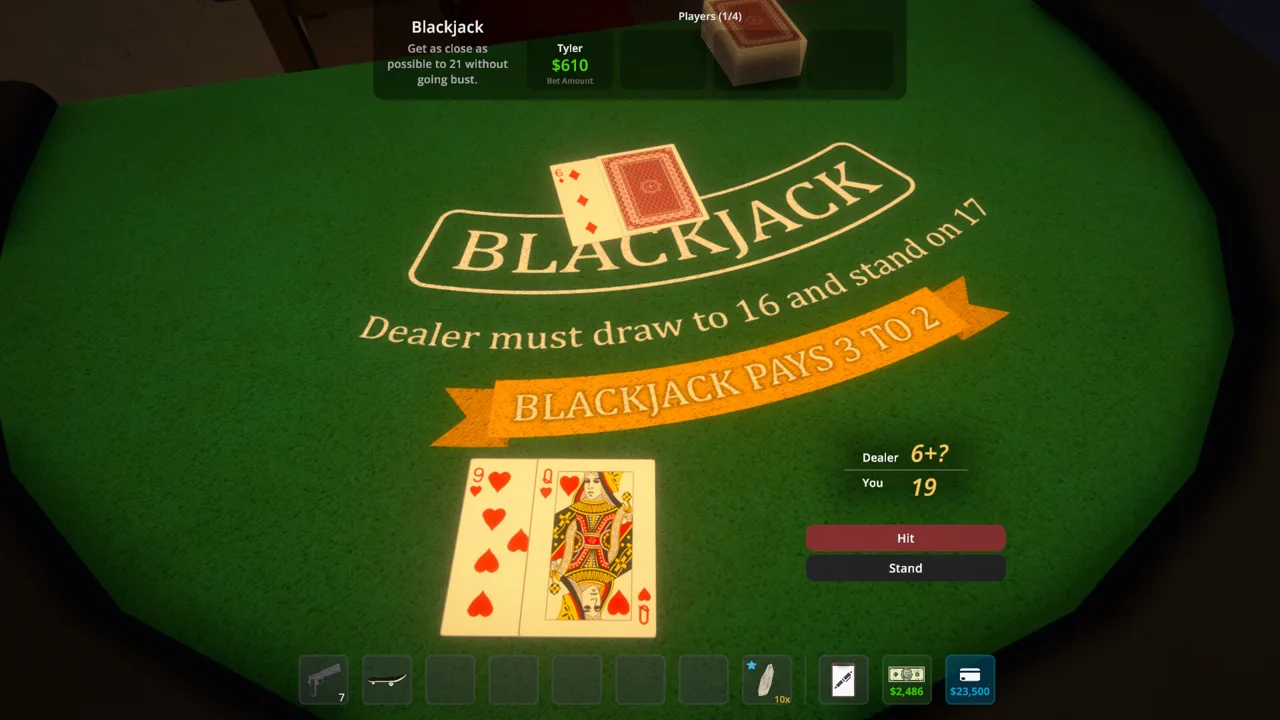
The Schedule I best customers for dealers are nearby buyers whose orders you want automated: Northtown for Benji, Westville for Molly, Downtown for Brad, the Docks for Jane, and Suburbia for Wei. Use Leo for overflow, keep Uptown’s biggest spenders yourself, and build around the 10-customer limit introduced in v0.4.3.
This setup favors manageable distribution and fewer personal delivery trips. It leaves your dealers handling most neighborhoods while you concentrate on valuable customers and production.
Customer assignments for the 10-slot system introduced in v0.4.3
| Dealer | Area | Customers to assign |
|---|---|---|
| Benji Coleman | Northtown | Beth Penn, Donna Martin, Mrs. Ming, Chloe Bowers, Ludwig Meyer, Sam Thompson, Austin Steiner, Peggy Myers, Kathy Henderson, Mick Lubbin |
| Molly Presley | Westville | Dean Webster, Doris Lubbin, George Greene, Joyce Ball, Keith Wagner, Trent Sherman, Meg Cooley, Kim Delaney, Charles Rowland, Jerry Montero |
| Brad Crosby | Downtown | Elizabeth Homley, Eugene Buckley, Greg Figgle, Jennifer Rivera, Louis Fourier, Lucy Pennington, Philip Wentworth, Kevin Oakley, Bruce Norton, Randy Caulfield |
| Jane Lucero | The Docks | Billy Kramer, Genghis Barn, Javier Perez, Kelly Reynolds, Lisa Gardener, Mac Cooper, Marco Barone, Sherman Giles, Melissa Wood, Cranky Frank |
| Wei Long | Suburbia | Alison Knight, Carl Bundy, Chris Sullivan, Dennis Kennedy, Hank Stevenson, Harold Colt, Jack Knight, Jackie Stevenson, Jeremy Wilkinson, Karen Kennedy |
| Leo Rivers | Overflow from earlier areas | Geraldine Poon, Kyle Cooley, Peter File, Jessi Waters, Jeff Gilmore, Anna Chesterfield |
Leo starts with six customers in this arrangement. Keep his remaining four slots available until you’re ready to hand over part of your Uptown business.
Benji Coleman: Delegate Northtown’s Routine Orders
Benji’s ten customers take most Northtown deliveries off your schedule. His motel location also makes him convenient to visit while you’re still operating nearby.
During the early game, keep Geraldine Poon and Jessi Waters available for personal sales. Once later regions become your priority, move them to Leo as shown above.
Molly Presley: Keep Westville Together
Give Molly Westville’s local customers so you can stop making separate trips for ordinary orders.
Keep George Greene yourself until you unlock Uptown. He is a valuable spender during this stretch of progression. Once you have access to wealthier clients, hand him over to Molly to complete her ten-customer roster.
Brad Crosby: Cover Downtown, Including Bruce Norton
Brad’s roster handles Downtown’s regular buyers, including Bruce Norton, who joined the customer pool in the Shrooms Update.
Assign Jennifer Rivera, Kevin Oakley, and Randy Caulfield here alongside the other Downtown customers. Leave Jeff Gilmore for Leo’s overflow roster rather than trying to fit every Downtown buyer into Brad’s ten slots.
Jane Lucero: Supply Her During Warehouse Visits
Jane’s roster includes Kelly Reynolds and Sherman Giles, the two Docks customers added in v0.4.2.
If the Docks Warehouse is one of your main production properties, combine Jane’s restocking and cash collection with your warehouse visits. That keeps dealer management tied to a trip you already need to make.
Cranky Frank belongs on this roster even though he can be a valuable buyer. Delegate his orders when you want to spend less time arranging individual meetings.
Wei Long: Automate Suburbia
Give Wei the ten Suburbia customers in the table to remove that neighborhood from your personal delivery schedule.
Check their standards and product preferences before supplying him. Wealthier customers still need suitable inventory; filling the assignment list alone does not solve product compatibility.
Leo Rivers: Handle the Remaining Customers
Use Leo for customers left over from Northtown, Downtown, and the Docks. This preserves your personal access to Uptown’s valuable buyers while the other five dealers cover their main neighborhoods.
Once cartel pressure is under control, fill his remaining four slots with the Uptown customers listed below.
Official page: Schedule I (scheduleonegame.com)
Which Customers Should You Keep for Yourself?
For a late-game setup that still includes personal selling, retain these six Uptown customers:
 Image: Steam / TVGS
- Tobias Wentworth
- Walter Cussler
- Jen Heard
- Lily Turner
- Ray Hoffman
- Irene Meadows
Keep these customers on your personal route while rival cartel attacks threaten dealer inventory. An expensive batch represents a larger loss when a dealer gets robbed, so reserve your most valuable sales for trips you can manage yourself.
After reducing that pressure, assign these four Uptown customers to Leo:
- Fiona Hancock
- Herbert Bleuball
- Michael Boog
- Pearl Moore
Adding them brings Leo’s roster from six customers to ten while preserving the six personal customers above.
If you want dealers to handle nearly everything, transfer valuable buyers too. Use each customer’s weekly spending and your willingness to complete their meetings to decide who deserves the available slots. A customer you regularly leave waiting contributes less than one your dealer consistently serves.
How to Assign Customers in the Dealers App
Manage assignments through your in-game phone:

- Open the Dealers app.
- Select a dealer from the dropdown.
- Remove an existing customer with the X beside their name when you need space.
- Choose + Assign Customer and select an unlocked buyer.
- Continue until the dealer has the customers you want, up to the ten-customer limit.
- Meet the dealer and provide packaged product for those customers.
The dealer selection dropdown belongs to the redesigned management app introduced in v0.4.3. That update also added customer regions and standards to the app, making it easier to organize assignments without jumping between unrelated lists.
Older eight-customer setups leave capacity unused on versions with the expanded limit. Revisit established dealers after expanding into new neighborhoods, especially when you have customers still taking up your personal delivery time.
Use the Contacts app alongside dealer management. It displays weekly spending and most-ordered products, giving you a practical way to compare buyers before moving them.
How to Keep Dealer Assignments Profitable
Customer selection works best when your production matches the people receiving it. Before changing a roster, check three things: what those customers order, what standards they expect, and whether you can keep the dealer supplied.
Match Inventory to the Customers
Group customers with overlapping preferences when that fits your production. This reduces the number of different products you need to prepare and distribute.
Check current customer details instead of relying on older lists that describe certain buyers as having “no preference.” v0.4.2 changed some existing preferences to favor shrooms.
Keep product value and customer preference separate when comparing mixes. Choose products that sell consistently to the assigned roster, then compare the resulting earnings.
Account for Customer Effect Durations
The v0.4.5 Anniversary Update set these NPC product effect durations:
| Product type | Effect duration for NPCs |
|---|---|
| Weed | 9 hours |
| Meth | 9 hours |
| Cocaine | 6 hours |
| Shrooms | 12 hours |
Use these durations when planning stock for different product lines. They describe how long effects last on customers; they are not a promise that every customer places another order immediately afterward.
Compare sales across multiple in-game days before replacing a dealer’s inventory. A single collection can reflect order timing as much as the strength of your customer assignments.
Watch Quality and Available Quantity
Customer standards appear directly in dealer management. Check them before handing a dealer a batch intended for more demanding buyers.
Since v0.4.3, excess quantity can compensate for inadequate product quality during deals. Prioritize suitable quality when possible so that completing an order does not depend on giving away additional units.
Dealers also reserve inventory for accepted deals. Keep enough packaged stock available for upcoming orders, especially after adding customers to a roster.
Keep Routes Manageable
The same update limited dealers to two bookings per deal window, increased their walking speed, and allowed them to sprint when running late.
Keep most assignments within the dealer’s neighborhood to limit travel between meetings. Use Leo’s mixed-region roster for overflow, then judge it by completed sales and the time you spend supplying him.
If a dealer’s income disappoints, inspect inventory and customer compatibility before replacing the entire roster. Ten assigned customers cannot produce steady sales when their dealer lacks suitable stock.
How Special Customers Fit Into Your Sales Plan
The October 9, 2026 v0.4.7 Special Customers update added four traveling customer groups:
- Hippies
- Party Bus
- Businessmen
- Bikers
These groups periodically visit Hyland Point and purchase large quantities of their preferred drug types. Their arrival adds another outlet for production alongside your regular neighborhood customers.
Plan your resident assignments around reliable dealer supply, then use traveling groups to move bulk stock when they visit. Keep enough inventory available for your established distribution network before committing a large batch elsewhere.
Continue with
 Schedule I Customers Guide: Unlock More Buyers FastUse this Schedule I customers guide to unlock buyers, match favorite effects, manage dealer assignments, negotiate prices, and prepare for special groups.
More in Customers

Schedule I Dealers: Best Customer Assignments & Tips
Set up Schedule I dealers with smart customer assignments, learn all six locations, and use the 10-customer limit to spend less time running across town.

Schedule I Special Customers: Groups and Profit Guide
Meet Schedule I special customers, learn what each group buys, plan for each visit, and improve bulk payouts with matching effects and smarter production.
Continue exploring
Join the community
Official channels for news, updates and player help: