
Early access · Release date: March 24, 2025
UpdatedSchedule I Mixing Guide: Recipes, Effects, and Profit
Use this Schedule I mixing guide to learn ingredient effects, follow recipe orders, compare costs, and automate your mixing stations for steady profits.
Jump to

How to Start Mixing in Schedule I
In Schedule I, unlock the Mixing Station at Hoodlum I, buy it for $500, and combine a base product with one ingredient per mixing step. This Schedule I mixing guide centers on ingredient order: additives can replace existing effects, so test one unit before producing batches. Products hold up to eight effects.
Buy your starting station from Dan’s Hardware Store and pick up mixing ingredients at Gas-Mart. After completing a mixing step, put the resulting product back into the station to add the next ingredient. Follow the sequence exactly when copying a recipe.
Station Capacity and the v0.4.3 Threshold Fix
| Mixing Station | Unlock Rank | Maximum Batch | Processing Time per Item |
|---|---|---|---|
| Mk1 | Hoodlum I | 10 items | 6 in-game minutes |
| Mk2 | — | 20 items | 3 in-game minutes |
The Mk2 processes each item twice as fast and holds twice as many items. Upgrade when mixing becomes the stage holding up your production.
The v0.4.3 update fixed the Mk2’s threshold being limited to 10 instead of 20. Set the threshold to match the batches your supply chain can consistently deliver; a station waiting for more input cannot move the recipe forward.
Official page: Schedule I (scheduleonegame.com)
Check Whether Your Save Uses Seeded Mixing
Seeded Mixing changes the effect transformations used by your save. Standard recipes depend on standard transformation rules, so check this setting before buying ingredients for a long sequence.
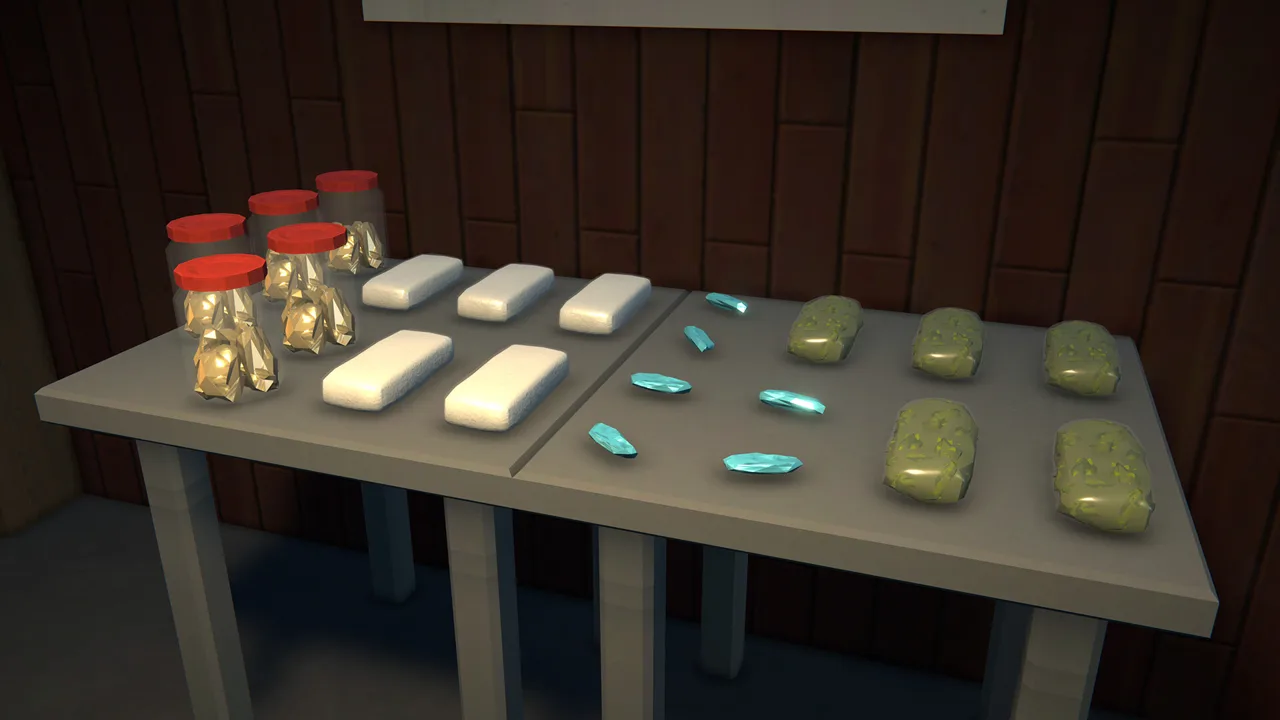 Image: Steam / TVGS
With Seeded Mixing enabled, the save’s seed selects one of 360 rule sets. Saves using the same rule set produce the same mixing results. In co-op, the host’s save determines the rules.
These parts stay the same:
- Each ingredient’s basic effect.
- Ingredient prices and effect values.
- The eight-effect limit.
The recipes below use standard mixing rules. On a seeded save, build your recipe around the transformations that save uses, or use a calculator that supports your seed.
Seeded Mixing was added in v0.4.5. The distinction also matters for Lethal: it cannot be created through standard mixing.
Ingredients, Prices, and Unlock Ranks
An ingredient’s basic effect is only part of its behavior. Adding it can also transform traits already on the product.
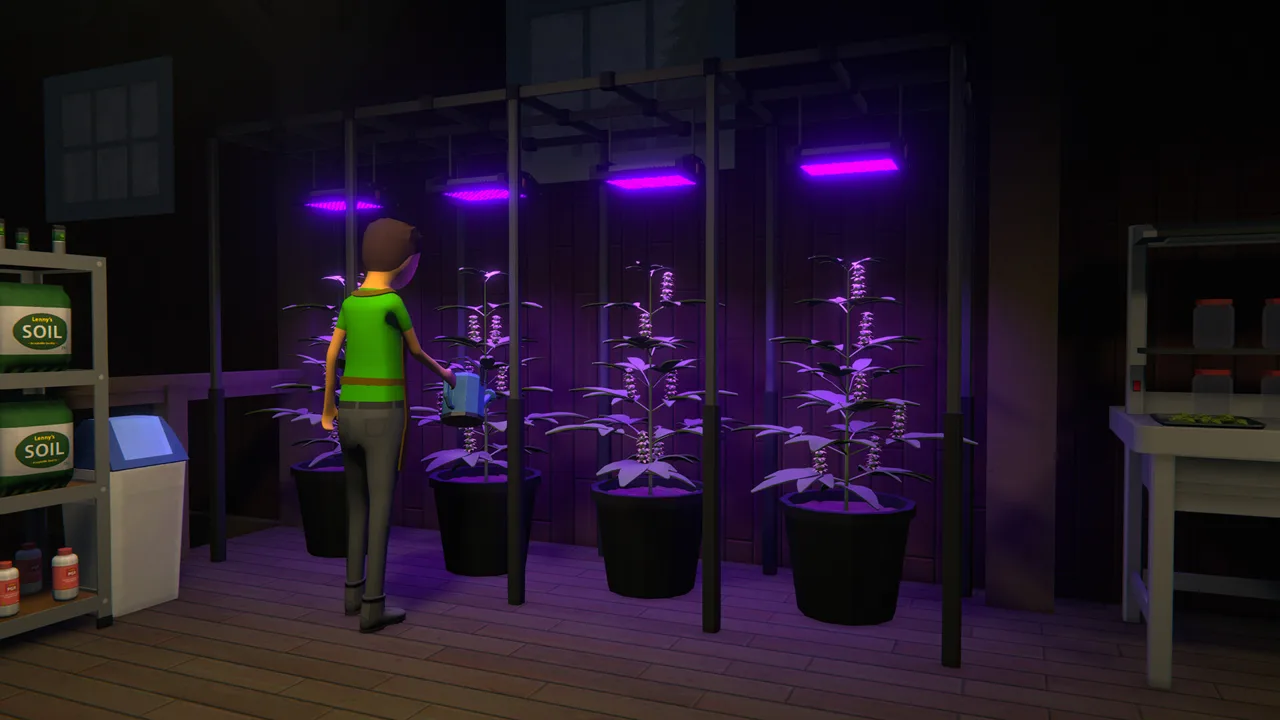 Image: Steam / TVGS
| Ingredient | Price | Unlock | Basic Effect |
|---|---|---|---|
| Cuke | $2 | Available when mixing begins | Energizing |
| Banana | $2 | Available when mixing begins | Gingeritis |
| Paracetamol | $3 | Available when mixing begins | Sneaky |
| Donut | $3 | Available when mixing begins | Calorie-Dense |
| Viagra | $4 | Hoodlum II | Tropic Thunder |
| Mouth Wash | $4 | Hoodlum III | Balding |
| Flu Medicine | $5 | Hoodlum IV | Sedating |
| Gasoline | $5 | Hoodlum V | Toxic |
| Energy Drink | $6 | Peddler I | Athletic |
| Motor Oil | $6 | Peddler II | Slippery |
| Mega Bean | $7 | Peddler II | Foggy |
| Chili | $7 | Peddler IV | Spicy |
| Battery | $8 | Peddler V | Bright-Eyed |
| Iodine | $8 | Hustler I | Jennerising |
| Addy | $9 | Hustler II | Thought-Provoking |
| Horse Semen | $9 | Hustler III | Long-Faced |
Buy only the ingredients needed for your current production recipe. For a repeated ingredient, count every occurrence: a sequence using Cuke twice needs twice as much Cuke as a sequence using it once.
Why Ingredient Order Changes the Result
Mixing works through transformations, rather than simply stacking everything you add. An ingredient can replace an existing effect before adding its own basic trait.
 Image: Steam / TVGS
For example, OG Kush starts with Calming:
- Add Cuke to retain Calming and add Energizing.
- Add Banana to introduce its basic Gingeritis effect.
- Add Mouth Wash to introduce Balding.
This explains why the same ingredient produces different outcomes on different base products. It also explains why rearranging a recipe can remove an effect you wanted to keep.
Effects That Increase Market Value
Mixing can increase a product’s market value by changing its effects. Compare the finished effect set and ingredient cost when deciding whether to extend a recipe.
Match finished effects to customer preferences, and account for intermediate effects when planning a transformation chain.
Once a product reaches eight effects, further mixing can replace traits. Eight effects does not mean the recipe is finished, and adding another ingredient does not guarantee a higher value.
Recipes to Try in Ingredient Order
Start with a short recipe, inspect its effects, and then scale production. The base product matters just as much as the additives.
Single-Ingredient OG Kush Recipes
| Base Product | Add Ingredient | Ingredient Cost per Unit | Effect Details |
|---|---|---|---|
| OG Kush | Cuke | $2 | Calming, Energizing |
| OG Kush | Banana | $2 | Adds Gingeritis |
| OG Kush | Paracetamol | $3 | Adds Sneaky |
| OG Kush | Mouth Wash | $4 | Adds Balding |
These costs cover the mixing ingredient alone. Seeds, soil, packaging, and wages still need to come out of your sales.
Mouth Wash unlocks at Hoodlum III, so use the earlier ingredients while progressing toward it.
Sour Diesel with Two Mixing Steps
Once you have access to the ingredients, use this sequence:
- Start with Sour Diesel.
- Add Iodine.
- Add Horse Semen to the resulting mix.
Iodine costs $8, and Horse Semen costs $9. This recipe reaches 100% addictiveness under standard rules.
Its two mixing steps make it straightforward to arrange across two stations in the bungalow. Horse Semen unlocks at Hustler III, so owning the property alone does not make the full recipe available.
Identify the product by its base and ingredient sequence when setting up production. Use the finished product’s effects and value to check that you followed the recipe correctly.
A Short Three-Ingredient Chain
To combine Cuke, Gasoline, and Battery:
- Add Cuke to introduce Energizing, or start with Green Crack, which already has it.
- Add Gasoline, whose basic effect is Toxic.
- Add Battery to introduce Bright-Eyed.
This chain depends on the effects present at each step. Adding other ingredients between those steps can change the result.
Mixing with Grandaddy Purple
For a mix starting with Sedating:
- Start with Grandaddy Purple, which has Sedating.
- Add Energy Drink to introduce Athletic.
- Add Paracetamol to introduce Sneaky.
- Add Battery if you also want Bright-Eyed.
Compare Profit, Processing Time, and Customer Demand
A calculator’s “profit” figure can subtract only the mixing ingredients. It does not necessarily include the cost of producing the base product.
Use this calculation for your operation:
Sales revenue − base production costs − mixing ingredients − packaging − wages − delivery fees
Keep market value, asking price, and completed sale revenue separate. A valuable product still needs customers willing and able to buy it.
Higher Sale Value Can Leave a Smaller Ingredient Margin
These cocaine mix listings illustrate the tradeoff:
| Mix | Mixing Steps | Ingredient Cost | Listed Sell Value | Value Minus Mixing Ingredients |
|---|---|---|---|---|
| JACKPOT | 12 | $62 | $777 | $715 |
| Happy Dust | 15 | $73 | $786 | $713 |
Happy Dust has the higher listed value, but JACKPOT leaves more after mixing ingredients and requires fewer steps. Both figures still exclude base production and operating costs.
Compare recipes at the same step count before expanding your mixing line. Each extra ingredient adds another processing pass, another supply requirement, and potentially another station in an automated chain.
Customer budgets also limit how much expensive stock you can move. Use the Contacts app’s weekly spending and most-ordered-product information to plan output around demand.
The October 9, 2026 v0.4.7 update added four traveling customer groups:
These groups visit town and buy large quantities of their preferred product types. Keep their product preferences in mind when planning bulk stock.
Automate a Two-Station Mixing Line
For the Sour Diesel recipe, arrange the workflow in production order:
Base-product storage → Iodine station → Horse Semen station → finished-product storage → packaging
A chemist operates the mixing stations and carries completed output to each station’s assigned destination. A handler supplies ingredients and transports stock along assigned routes.
A chemist can manage four stations, while a handler can run five routes.
Configure the Stations
- Set the first mixing station’s destination to the second station.
- Set the second station’s destination to your finished-product shelf.
- Assign both stations to the chemist.
- Set the packaging station’s destination to your packaged-stock shelf.
Keep walkways and operating positions clear. The Mk2’s physical size increased in v0.4.3, so leave enough space for employees to reach it.
Assign the Handler’s Five Routes
For this layout, use these routes:
- Base-product shelf → first mixing station.
- Iodine shelf → first mixing station.
- Horse Semen shelf → second mixing station.
- Finished-product shelf → packaging station.
- Packaging-supply shelf → packaging station.
The chemist transfers the intermediate mix between stations, so that movement does not consume a handler route.
Connect Growing and Drying
For a bungalow layout with 12 pots and four drying racks, send three pots to each rack.
Set the drying racks’ destination to the shelf that supplies the first mixing station. Stock the botanists’ supply shelves with the selected seeds and soil.
Drying improves quality but adds time before mixing. Set a quality target that keeps the downstream stations supplied, and watch for stock accumulating at any single stage.
Several updates affect older automation layouts:
- v0.4.3 added a drying-rack threshold and allowed warm temperatures to speed drying.
- v0.4.3 corrected employee dialogue to request a locker instead of a bed.
Assign employee lockers and keep wages funded before checking production.
Fix a Mixing Line That Stops Working
Inspect the first station or shelf where stock stops moving. Follow the chain from input to packaging instead of changing every assignment at once.
- Base product stays on its shelf: Check the handler route feeding the first station.
- Product reaches a station without an additive: Check that ingredient’s supply shelf and delivery route. Chemists do not fetch mixing ingredients.
- A station has supplies but waits: Check its threshold and chemist assignment.
- The first mix finishes but goes nowhere: Check the station’s destination and access to the next station.
- Finished product piles up before packaging: Check the product route and packaging-supply route.
- Employees remain idle: Check lockers, wage funds, supplies, and assigned equipment.
- The recipe produces different effects: Check the base product, ingredient order, repeated steps, and Seeded Mixing setting.
Keep packaging supplies consistent while diagnosing the line. Supply either bags or jars for the workflow you intend to run, then watch a complete batch move through it.
Name shelves and stations with their jobs using the management clipboard—for example, “Iodine Input” and “Finished Mix.” Observe production across several in-game days before leaving the operation unattended.
Continue with
 Schedule I Anti Gravity Effect: Recipes and Jump TipsGet the Schedule I anti gravity effect with simple mixing recipes, combine useful movement effects, and use higher jumps to navigate Hyland Point faster.
More in Mixing
See all Mixing
Continue exploring

Join the community
Official channels for news, updates and player help: